Dashboard
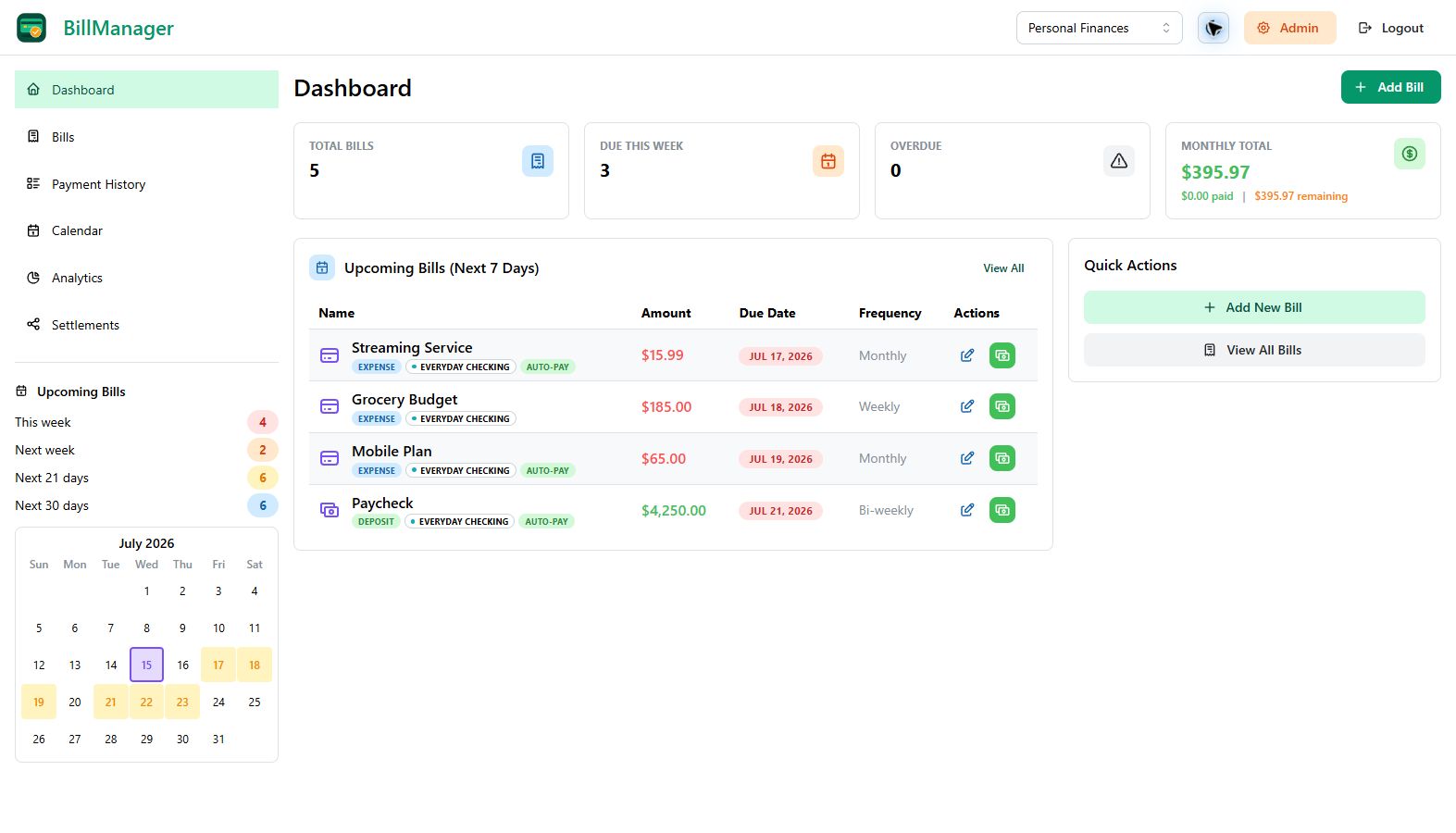
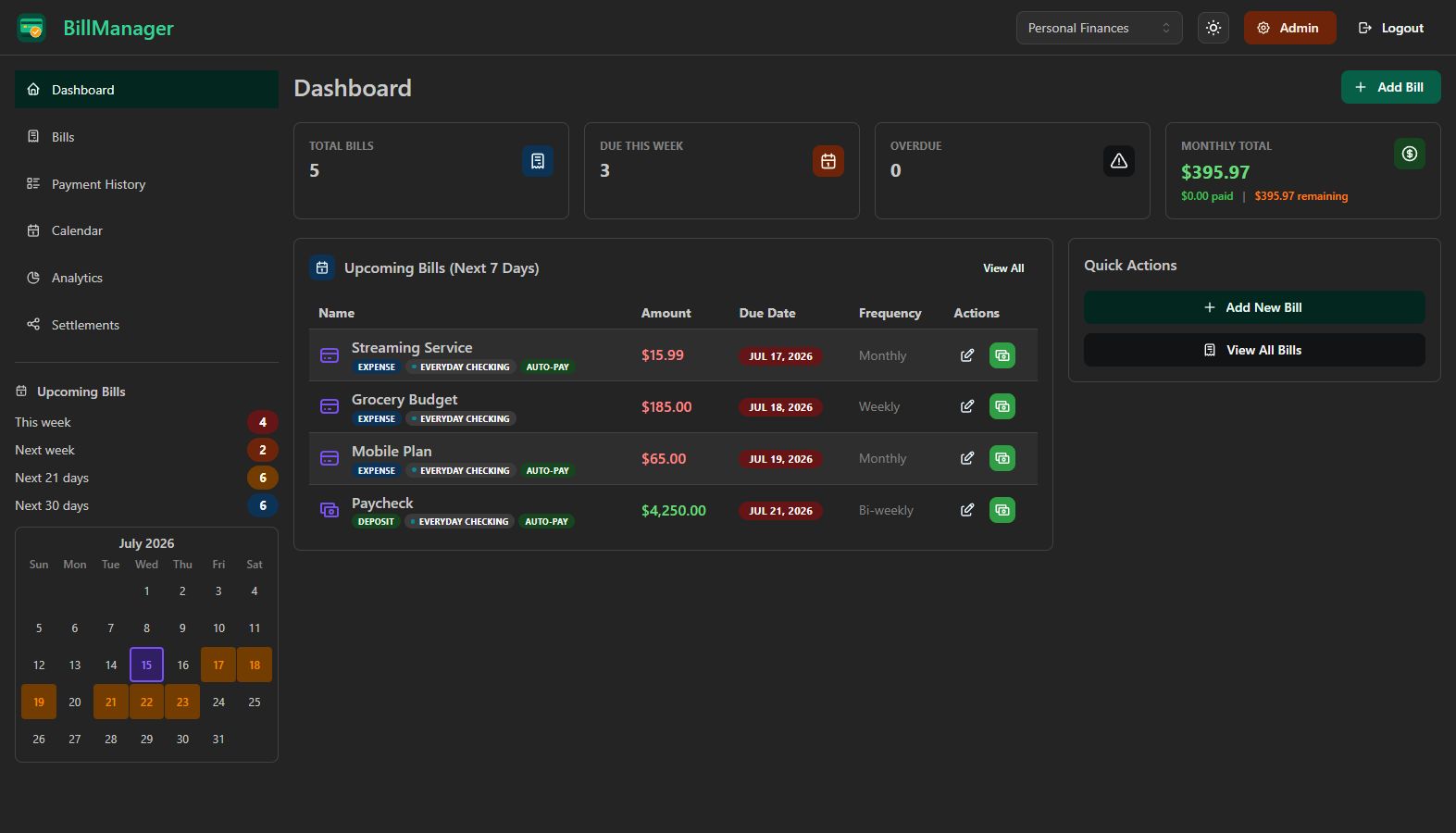
The Dashboard provides a high-level overview of your financial status with stat cards, upcoming bills, and quick actions.
Accessing the Dashboard
Click Dashboard in the sidebar navigation, or select it from the top of the sidebar menu.
Stat Cards
Four summary cards give you an instant snapshot of your finances:
| Card | Description |
|---|---|
| Total Bills | Number of active bills being tracked |
| Due This Week | Bills due in the next 7 days |
| Overdue | Bills past their due date requiring attention |
| Monthly Total | Combined amount due for the current month |
Clickable Navigation
Each stat card is clickable. Clicking a card navigates you to the Bills page with the corresponding filter applied. For example, clicking Overdue takes you directly to a filtered view of overdue bills.
Upcoming Bills
A table below the stat cards lists bills due soon, sorted by due date. Each row shows:
- Bill name and icon
- Due date
- Amount
- Current status (overdue, due soon, upcoming)
Quick Actions on Bills
From the Upcoming Bills table, you can:
- Pay - Record a payment directly without navigating away
- Edit - Open the bill editor to update details
Quick Actions Panel
The Quick Actions section provides shortcuts to common tasks:
- Add Bill - Create a new bill or deposit
- View All Bills - Navigate to the full bill list
- View Payments - Open the payment history
- View Analytics - Jump to the Analytics page
Reminder Alerts
When one or more bills match their configured reminder windows, a floating bell appears in the lower-right corner. Open it to review upcoming, due-today, deposit, and overdue alerts in a side drawer. Reminder timing is configured separately on each bill.
Cash Flow Forecast now lives in Analytics, alongside budgets and the other planning views.
Tips
- Start your day here - The Dashboard gives you everything you need to know at a glance
- Watch the Overdue card - Address overdue bills promptly to stay on track
- Use Quick Actions - Save clicks by using the shortcut buttons instead of navigating through menus